Manage Multiple Instagram Accounts Easier on Desktop
To manage several accounts on Instagram with fewer risks, don’t keep them all on the same device. Instagram can connect accounts by shared device data. This can lead to extra verification, temporary action blocks and other restrictions.
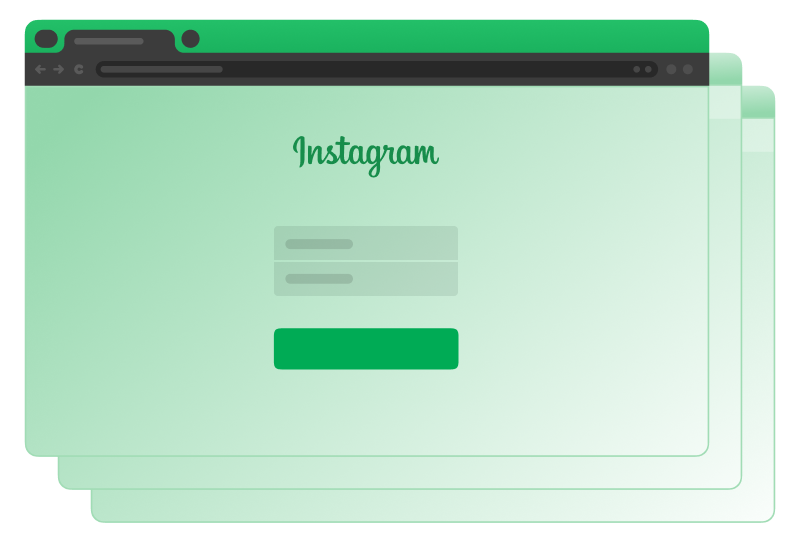
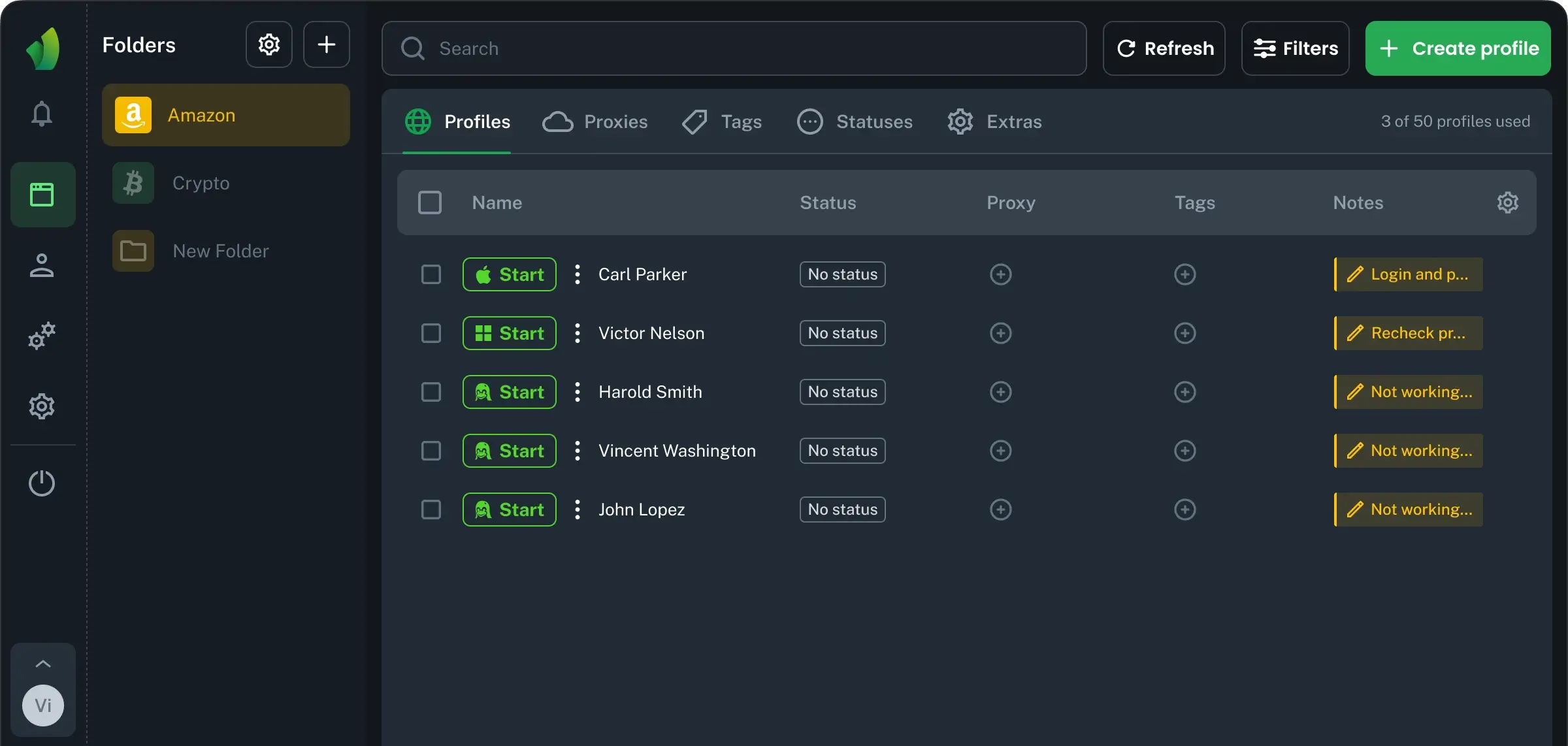
In Browser Vision, each Instagram account gets its own profile with separate cookies, sessions, and fingerprint. Desktop is cleaner than constant phone switching. You can open the right profile, post, check DMs, reply to comments, and close it. Less chance to publish a client Story from the wrong account.
Task | Browser Vision | Manual phone switching |
|---|
Access to accounts | Open the needed saved profile in one workspace | Switch phones or log in and out manually |
Risk of mistakes | Lower chance to post from the wrong account | Easy to confuse active accounts on mobile |
Scaling accounts | Easier to manage multiple IG accounts on desktop | Gets messy with many phones or SIMs |
Daily speed | Faster posting, checking DMs, and account work | More time spent switching devices and confirming logins |
How many accounts can you have on Instagram?
The Instagram app lets you switch between up to 5 accounts. That is enough for basic use, but not for agency work, e-commerce projects, or traffic teams.
If you need to manage more than 5, the app is no longer enough, so you need extra tools. For larger setups, an anti-detect browser like Browser Vision is the cleaner option. It lets you create separate browser profiles for each account, split accounts by client, geo, or project, and manage multiple Instagram accounts with less mess. Separate browser profiles are useful for desktop work. They keep different Instagram accounts in separate sessions, so you do not mix logins.
The best way to create and manage multiple Instagram accounts
A practical way to manage several Instagram accounts is to give each one its own isolated workspace, similar to using a separate device for every account, because the safest setups are not always the fastest or the most advanced. What matters most is consistency.
In practice, this means:
A unique device profile for each account;
Stable sessions over time;
No matching fingerprints between accounts;
No shared app state, cache, or stored data.
Common mistakes when working with many Instagram accounts
If you work with many Instagram accounts, your biggest mistake can be is making them look too similar from Instagram’s side. Copying the same behavior across different accounts can make them easier to connect. Shared device signals and repeated login patterns can increase the chance of restrictions or linked account issues.
Switching between profiles does not always change the device signals Instagram can see. To manage them safely, give each account its own role, stable access, unique profile details, and a natural activity pace.
Long Term Instagram Account Stability
For long-term stability, avoid sharp changes in behavior. Do not switch devices, locations, emails, and posting patterns too often. Instagram pays attention to unusual activity.
The easiest way to keep Instagram accounts stable long term is to give each one its own setup. Every profile should work like it has a separate device. This helps reduce mixed signals when several accounts are active in the same workflow.
Basic rules:
Use its own stable device identity for important accounts.
Keep login sessions consistent
Warm up new accounts slowly before heavy posting or outreach.
Account behavior should grow gradually. Add profile details, post naturally, test content slowly. This makes daily account work more predictable and supports safer long-term growth.
Manage client Instagram accounts safely as a team
When team handle too many Instagram accounts, small mistakes can cost more than time. In agency work, this can lead to account restrictions, shadowban risks, lost reach, and even losing a client if their page gets limited during a campaign.
Browser Vision turns Instagram multi-accounting from a personal workaround into a team process. Everyone works inside the same system, but accounts stay separated. You do not pass Instagram passwords through chats or spreadsheets. A teammate works from the Browser Vision workspace and uses the profiles assigned to their tasks. If someone leaves the project, you do not rebuild the whole account setup from the start.
Practical use cases for Instagram multi-accounting
Having several IG accounts is useful when one profile is not enough for your workflow. Brands, agencies, SMM teams, and affiliates use different accounts for different tasks. The main rule is: each account should have a clear purpose.
This setup is useful when you need to:
Brands with several product lines. One account for the main brand, others for specific products, collections, or audiences.
E-commerce stores in different regions. Separate accounts for local markets. Different language, content, offers, and support.
Agencies managing client accounts. SMM teams often need to manage multiple Instagram accounts for clients without mixing logins, assets, or team access.
Affiliate and traffic teams. Different Instagram accounts can be used for different offers, funnels, creatives, or test angles.
Manage multiple Instagram accounts from one Browser Vision Workspace
Social platforms change all the time. What worked last year may create problems today. Instagram updates login checks, session rules, device signals, and account security flows. So if you manage multiple Instagram accounts, the setup matters as much as the content.
Browser Vision gives you a cleaner way to manage many Instagram accounts with less chaos and fewer operational risks. It does not replace good content, warm-up, or account discipline. It gives you the environment to keep that discipline at scale. Each Instagram account can run in its own browser profile, with separate sessions, cookies, and workspace logic. This makes daily work easier for teams that need structure.