How many Facebook accounts are allowed
Facebook normally expects one personal profile per real person. That profile is your identity layer. From it, you can manage business tools like Pages, ad accounts, catalogs, pixels, or Business Manager assets. Those are not the same as extra personal profiles. What creates risk is not just “having a lot,” but creating duplicate identities.
Safer ways to log into multiple Facebook accounts
If you work with several Facebook identities, the safest habit is simple: one account, one browser profile, one stable routine. Problems often start when operators mix cookies, jump between sessions too fast, or log many accounts from one raw browser window.
A cleaner flow looks like this:
- 1.Open each account only in its own isolated browser profile
- 2.Keep that profile’s settings stable over time
- 3.Avoid repeated logout and login loops
- 4.Return to the same environment for the same account
Recovery steps after restriction
If Facebook restricts an account, do not rush. Fast random actions often make the situation worse. First, figure out what was restricted: personal profile, page, ad account, or business manager. Then check what changed right before the problem.
Pause activity if several linked assets show alerts at the same time, or if the account was just accessed from a very different setup. Repeated login retries from new setups can deepen the restriction.
Signals Facebook uses to link accounts
Facebook usually does not link accounts from one signal alone. It looks for patterns. When several weak signals repeat together, the connection becomes easier to see.
Common signal groups:
Device overlap: same browser environment, shared cookies, repeated machine patterns
Network consistency: same IP ranges across many accounts, sharp geo jumps, unstable access path
Behavior patterns: same action timing, same posting rhythm, same admin flow across assets
Manage multiple Facebook accounts worldwide
Global work gets easier when each account matches the market it belongs to. Facebook activity looks more natural when region, language, timezone, and daily usage pattern make sense together. Trouble starts when one account bounces across countries for no clear reason.
A practical setup:
assign one account to one market or one clear operating region
keep access timing close to that region’s normal workday
avoid random country switching for the same account
record market, owner, purpose, and current status in notes
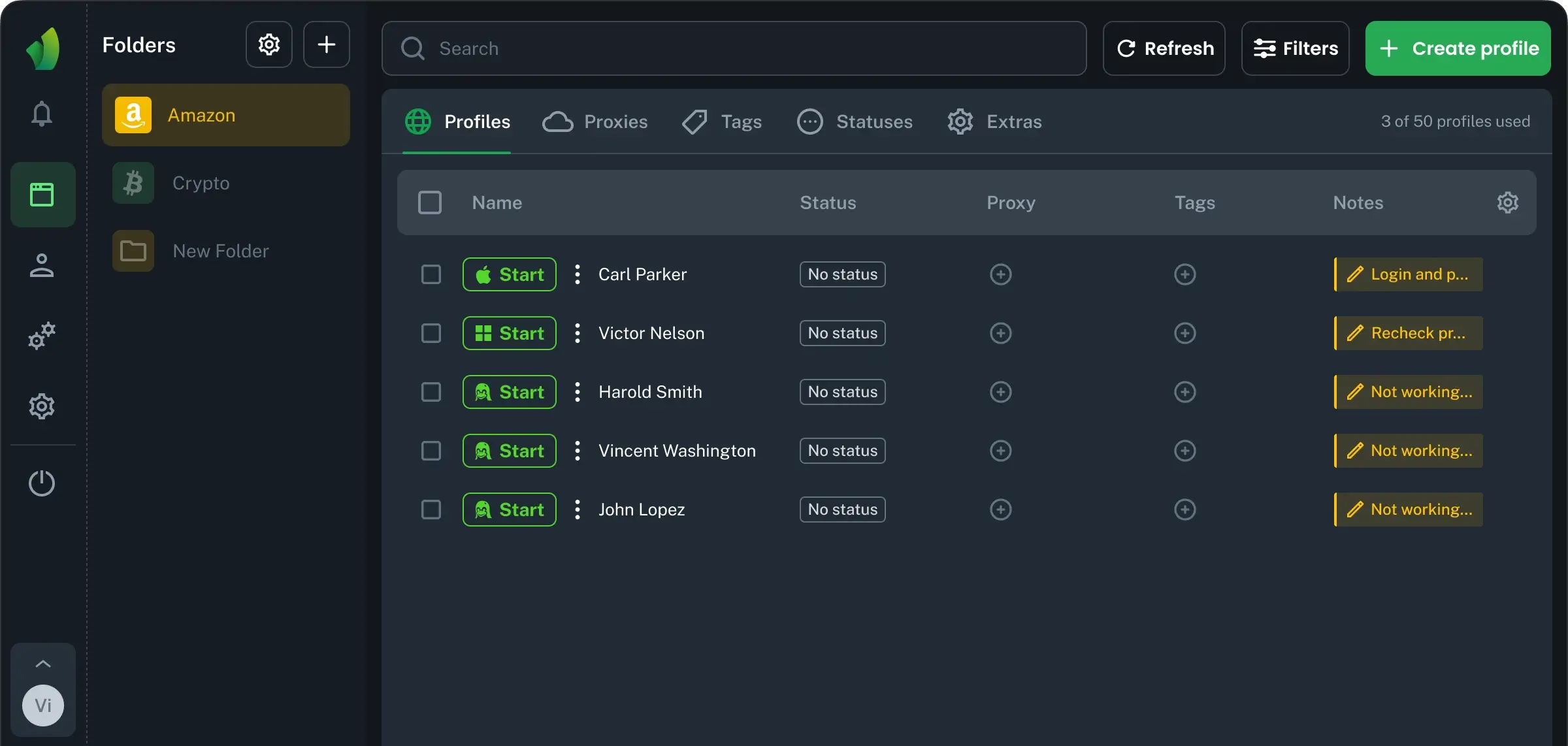
For teams handling many regions, Browser Vision helps keep environments separated and repeatable. That makes daily access cleaner and handoffs easier.
Daily workflow for multiple Facebook accounts
Most account issues come from messy daily work, not one dramatic mistake. A simple routine lowers confusion and helps you spot problems early.
Use a short operating checklist:
- 1.Give every account a clear internal name
- 2.Note important events like password changes, restrictions, or payment edits
- 3.Open the correct browser profile before doing anything
Multiple Facebook ad accounts without chaos
Ad account growth gets messy fast when brands, budgets, payments, and operators are mixed together. A stable structure keeps trust cleaner and makes troubleshooting easier. Spend growth should also look normal. Start with controlled activity, then scale in steps. Sudden jumps inside a fresh or shaky setup often create friction.
Better structure | Riskier structure |
|---|
Clear owner | Shared unclear control |
Gradual spend | Sharp budget spikes |
Separate offers | Unrelated offers mixed |
Building a stable Facebook setup
A stable Facebook setup it is a system. The best systems are usually boring but effective. That is exactly why they last longer.
Build around these rules:
- 1.Keep each account tied to one consistent working environment
- 2.Avoid unnecessary changes in device, region, or operator
- 3.Log important events so issues are easier to trace
- 4.Review warnings early instead of waiting for a full restriction
For teams, scale comes from process:
Tip: stable operations usually beat clever shortcuts. Browser Vision works best as part of a structured routine, not as a last-minute fix. At the same time, it helps cover the key tasks of multi-accounting: browser fingerprints, profile separation, proxy setup, team access, and daily account management.