Create and manage multiple Roblox accounts
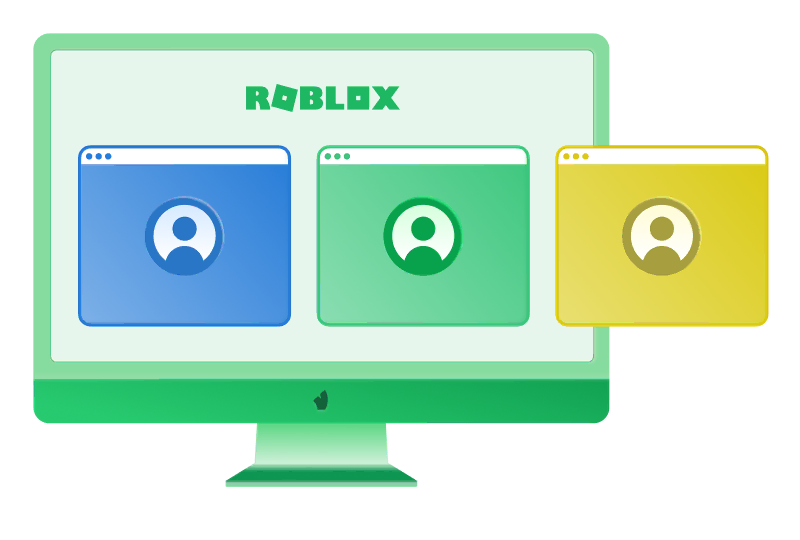
A responsible workflow for multiple Roblox accounts helps keep them organized and separate. It supports testing, creator work, QA, support, localization, and team collaboration without confusion. This kind of setup is meant for legitimate work within Roblox rules, not for bypassing platform policies or security checks. Clear separation also makes it easier to understand who uses each account, what it is for, and which tasks belong to it.
Below, we look at how to use multiple accounts on Roblox in a structured way, why separation matters, and how browser profiles can make daily account management easier for individuals and teams. An organized setup can reduce routine mistakes, such as opening the wrong session, mixing project data, or sharing access without control.
Who can benefit from account separation
Different Roblox professionals may need more than one account for practical reasons. Each account should have a clear, legitimate purpose tied to a role, project, or workflow.
Game developers can test player experiences across different account states, permission levels, or project roles.
QA testers can check updates, menus, access settings, purchases, onboarding, and user flows without mixing test sessions.
Players can keep separate accounts for personal play, testing private experiences, or taking part in different community projects responsibly.
UGC creators can separate asset creation, review, publishing preparation, and operational tasks within Roblox rules.
Marketplace teams can organize account activity by product line, responsibility, or internal process.
Localization teams can review content, language settings, regional presentation, and user experience for different markets.
Support teams can keep workflows separate by client, case type, region, or internal responsibility.
Agencies and studios can assign accounts to specific projects or team members, making collaboration clearer and easier to audit.
Where multiple Roblox account setups go wrong
Managing multiple Roblox accounts can get messy when all of them are used in the same browser, on the same device, and without clear rules. The main problem is not only technical. It is also operational: people forget which account is open, mix project data, save the wrong login, or give access to the wrong teammate.
Common technical and workflow mistakes include:
Using all accounts in a single browser window.
Relying only on incognito mode.
Mixing cookies and cache.
Sharing the same browser fingerprints.
Using accounts for actions that violate Roblox rules.
Saving passwords in the wrong place.
Having no clear naming system.
Keeping no notes or task history.
Uncontrolled team access.
Mixing personal and work accounts.
If Roblox detects activity that looks inconsistent, risky, or related to rule violations, the outcome can vary. A setup with shared elements does not automatically mean the accounts will be banned. However, it can increase the level of review and create extra obstacles for the team.
Possible consequences include extra login or security checks, requests to verify email, phone, or two-factor authentication, and temporary limits on account activity. That is why a responsible workflow for multiple Roblox accounts should be organized from the start.
How to manage multiple Roblox accounts safely
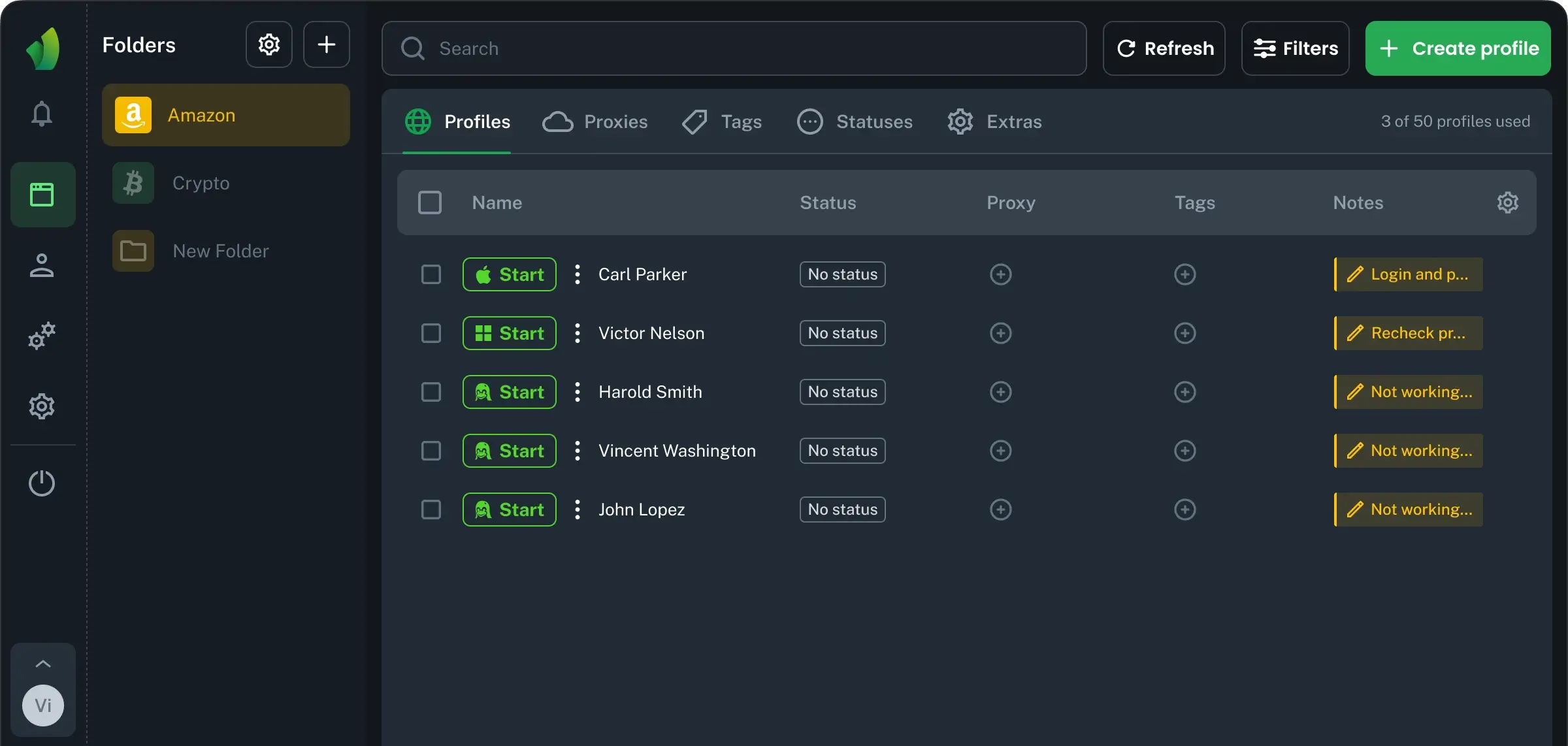
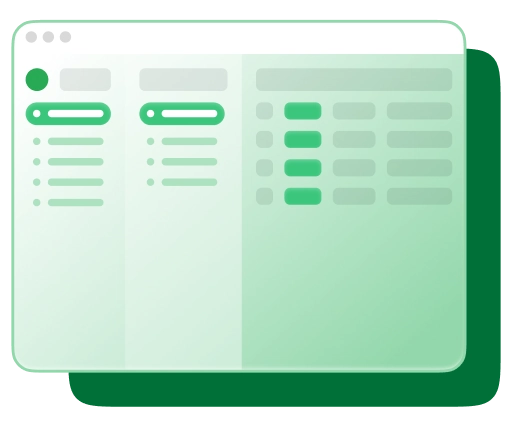
Roblox accounts need clear boundaries. The Vision antidetect browser helps keep profiles separate, with their own sessions, cookies, storage, fingerprints, notes, and access rules. It does not make Roblox accounts untouchable or exempt from platform rules, but it helps keep daily work organized and reduces accidental mix-ups.
Basic flow:
- 1.Create a separate Vision profile for each Roblox account.
- 2.Add the required proxy or network settings if your team’s workflow needs them.
- 3.Match profile settings, such as timezone and language, to the account’s legitimate working context.
- 4.Open Roblox only in the assigned Vision profile.
- 5.Log in to the correct Roblox account.
- 6.Save profile notes: account purpose, owner, project, and allowed tasks.
- 7.Use the account only for the workflow it was created for, such as QA, development testing, UGC review, localization, support, or management.
Why Vision fits responsible Roblox account management
A stable setup for multiple Roblox accounts starts with clear profile separation. Technical features such as smart fingerprints, proxy settings, WebRTC management, local cache, cloud sync, team permissions, and API access make Vision practical for studios, agencies, QA teams, and creators who manage multiple Roblox accounts professionally. The goal is to keep workspaces clear and consistent.