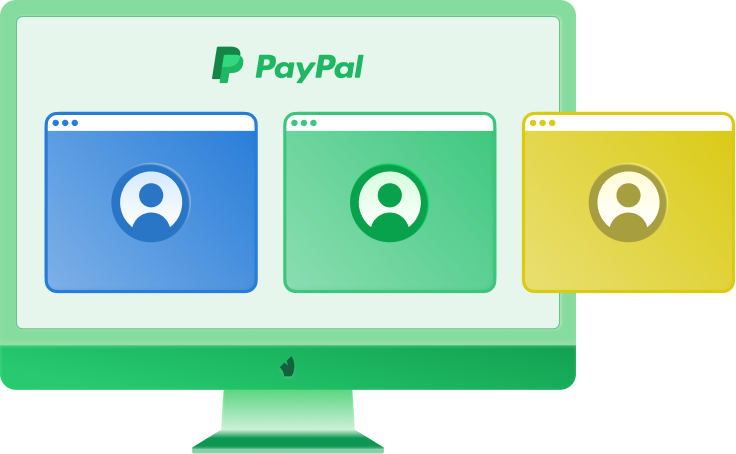
Multiple PayPal accounts overview
Several PayPal accounts can make sense when they support clear business needs: separate brands, client projects, regional operations, or team workflows. They become risky when they are created to dodge limits, avoid checks, hide past issues, or repeat the same activity under different names.
The risk is not only in the number of accounts. Payment platforms handle money, disputes, refunds, chargebacks, and buyer protection. That’s why even small inconsistencies can become a reason for extra checks.
When you manage more than one PayPal account, each account should have a reason, an owner, stable access, and a clean activity pattern. The platform may analyze device identity, browser configuration, IP address, and session behavior over time. If different accounts share the same digital environment, they can start to look connected, even when their business purposes are separate. That is why each account should look like it is managed by one real user.
Important: PayPal rules may depend on your country, account type, business model, and account history. Always check the current rules in your PayPal account area before creating or connecting more accounts.
One person and several accounts
One person can have several accounts when they serve different roles and follow PayPal rules for the user’s country. The usual clean split is: one account for personal money and one account for business activity.
A personal account is made for private use. It fits online shopping, subscriptions, small transfers to friends or family, and occasional payments where you act as an individual. A designer can use a personal PayPal account to pay for tools, receive a small refund, or send money to a relative.
A business account is made for commercial use. It fits client payments, invoices, store sales, service payments, public brand names, and team workflows. The same designer may open a business account when regular client payments start coming under a studio name.
Account type | Best for |
|---|
Personal account | Private transfers, online purchases, subscriptions, refunds, occasional individual payments |
Business account | Client payments, invoices, ecommerce, service sales, brand payments, team access |
Personal plus business | Keeping private spending separate from commercial income |
Several business accounts | Separate brands, legal entities, regional stores, or client projects |
Business accounts for growing teams
A team member can switch between PayPal accounts in one browser and think it is under control. Over time, the mess grows: sessions overlap, login prompts repeat, roles blur, and security checks can become more frequent. For teams, shared environments are especially risky because activity from finance, support, operators, and media buyers may look like one unstable user with changing habits, devices, and locations. PayPal can evaluate device consistency, IP history, browser configuration, system signals, cookies, and storage, so even legitimate team work may create mixed signals. This is where PayPal business account multiple users should mean controlled roles, not shared passwords and random logins.
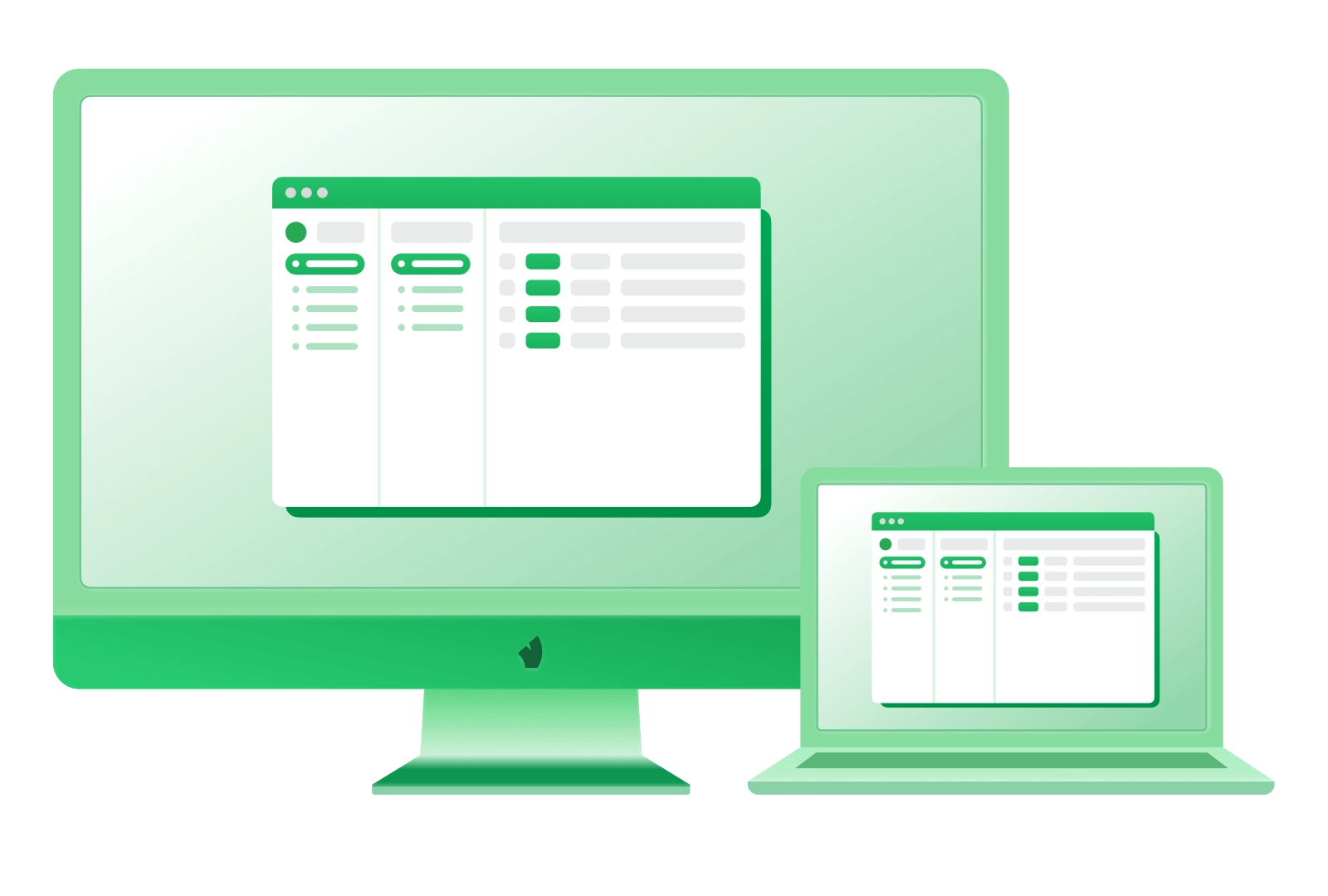
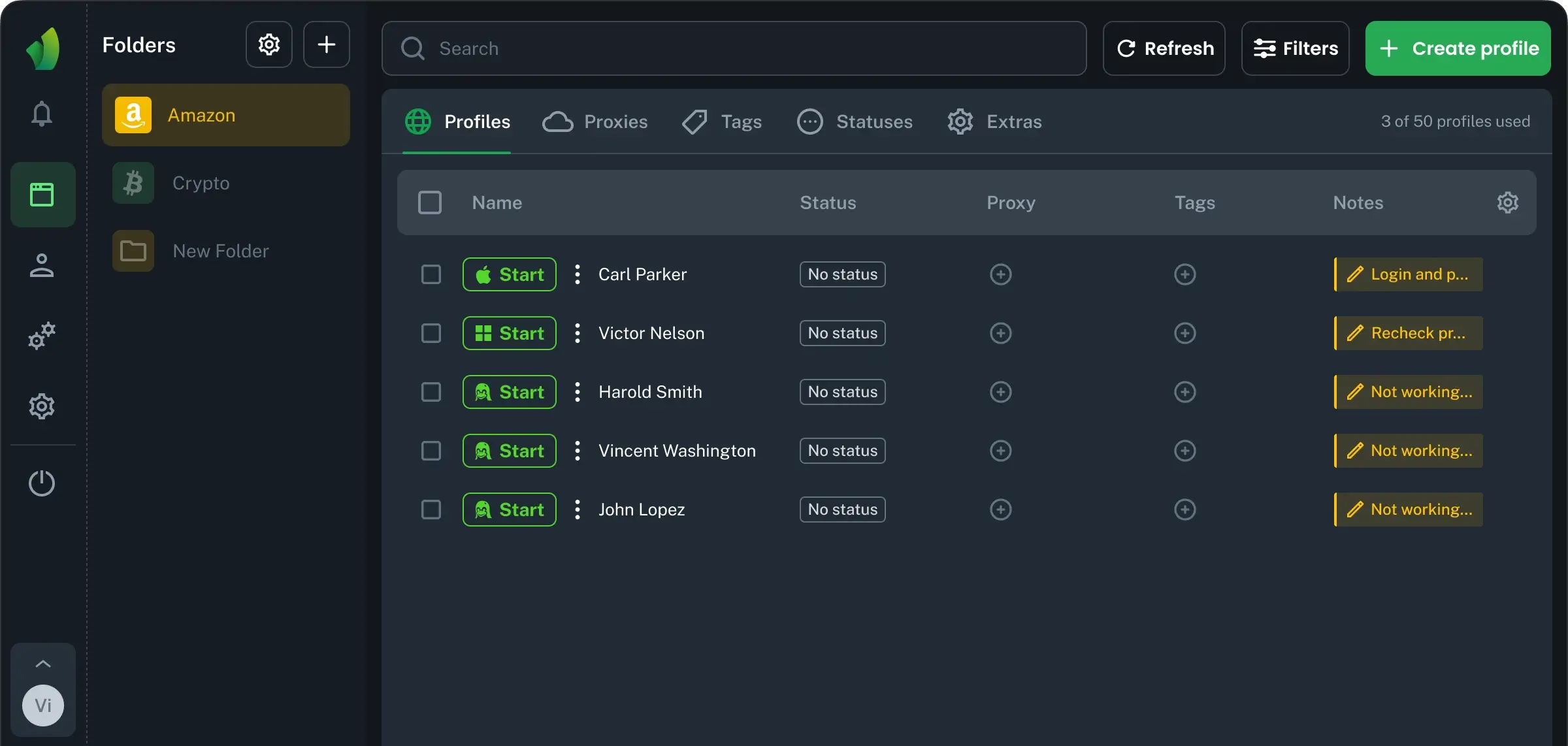
Browser Vision lets a team keep each PayPal account in a separate browser profile, so cookies, storage, browser settings, and daily access history do not overlap. Folders, tags, and notes make it easier to split work by brand, client, operator, or billing flow without losing control as the team grows.
When multiaccounting makes sense
A second PayPal account makes sense when one payment workspace can no longer keep different operations clean.
Different products: a SaaS subscription and a physical goods store may need different refund logic, billing cycles, and customer support.
Several regions: US sales, EU sales, and local contractors can create different currency, tax, payout, and reporting needs.
More than one company: one founder may run two legal entities with separate banks, documents, teams, and ownership records.
Client work: an agency can manage a client’s payment workspace without mixing it with its own business PayPal flow.
Different funnels: trial payments, one-time offers, and high-ticket sales often need separate tracking because disputes and refunds behave differently.
Marketplace projects: two niches can have different suppliers, delivery proof, inventory risk, and chargeback patterns.
The bad version is: opening extra accounts to hide history, split risky volume, avoid checks, or restart after restrictions. A clean setup should show who owns each account, what money it receives, who has access, and where the records live.
Multiple PayPal accounts guide
Preparation matters more than speed. Most problems come from weak basics: reused emails, temporary phones, missing invoices, or payment flows that are hard to explain later.
Before creating several PayPal accounts, prepare:
Dedicated email for alerts, receipts, recovery, and support messages.
Stable phone number that will not disappear after registration.
Bank or card data that matches the account role and ownership.
Access owner responsible for recovery, settings, and critical changes.
Record storage for documents, customer proof, reports, and payout history.
Vision browser adds the technical side to this preparation: fast profile launches, fingerprints from real devices, SOCKS5 with UDP traffic routed through the proxy, and flexible team permissions for folder based work. It also helps reduce proxy traffic through local caching and keeps profile data protected with AES 256 encryption and limited access links.
Separate profiles for PayPal
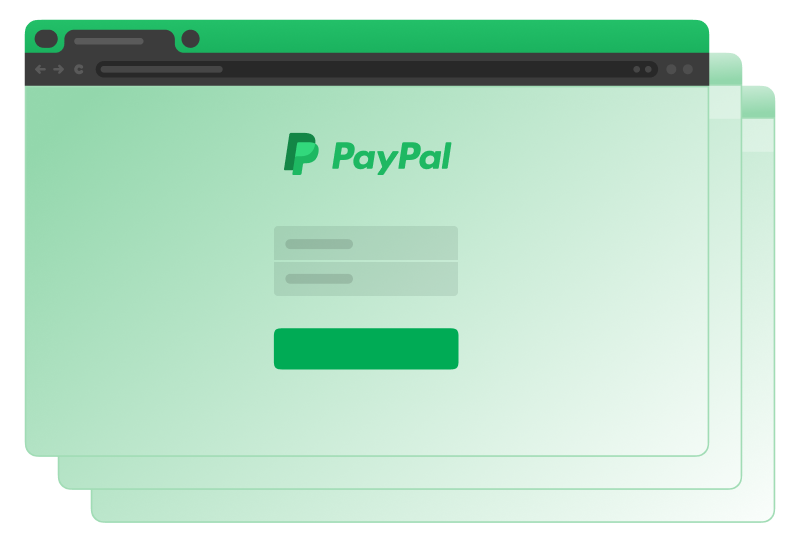
One PayPal account should live in one separate browser profile. That profile keeps its own cookies, storage, browser settings, extensions, notes, language, timezone, and login history. This matters when you manage multiple PayPal accounts, because shared browser memory can connect workspaces that should stay separate. A profile also gives each account a stable routine: same environment, same access habits, same supporting notes. Proxy setup supports this routine, but should not fight it. Use one stable proxy per account when possible, with a country and region that match the account logic. Avoid free proxies, aggressive rotation, sudden country changes, and mismatched timezone or language. In Vision, profiles and folder level proxy management help keep each PayPal workspace separate, readable, and easier to control.
Safe scaling takeaway
Safe work with multiple PayPal accounts needs separation, not browser tabs and quick fixes. Vision gives each PayPal account an isolated profile, stable proxy setup, notes, tags, and folders, so teams can scale without mixing sessions. Unlike tools that rely on generated fingerprints, browser Vision uses fingerprints from real devices, which helps avoid impossible browser parameter combinations. Add flexible team permissions, fast profile launches, and protected profile data — and the workflow stays cleaner as account volume grows. Start with the workspace, then add accounts when your business needs them.