
The new Safari core and mobile
Android fingerprints are here!

Try them free right now!

Vision Antidetect Browser

Create multiple Discord accounts

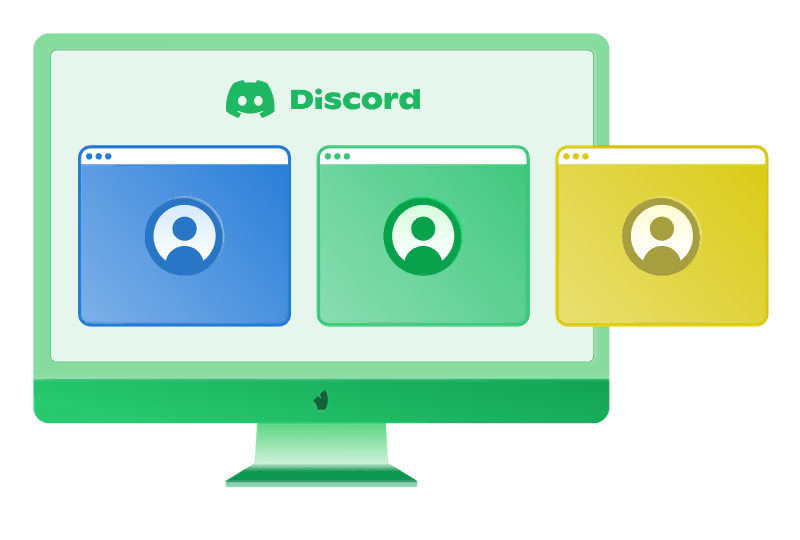
Run unlimited Discord accounts from a single window. Each session is fully isolated, with a unique browser fingerprint.

Forget bans and blocks — the Antidetect Browser Vision keeps your work smooth, safe, and fast. Built for affiliates, marketers, and anyone who needs real multi-accounting.
Create multiple Discord accounts

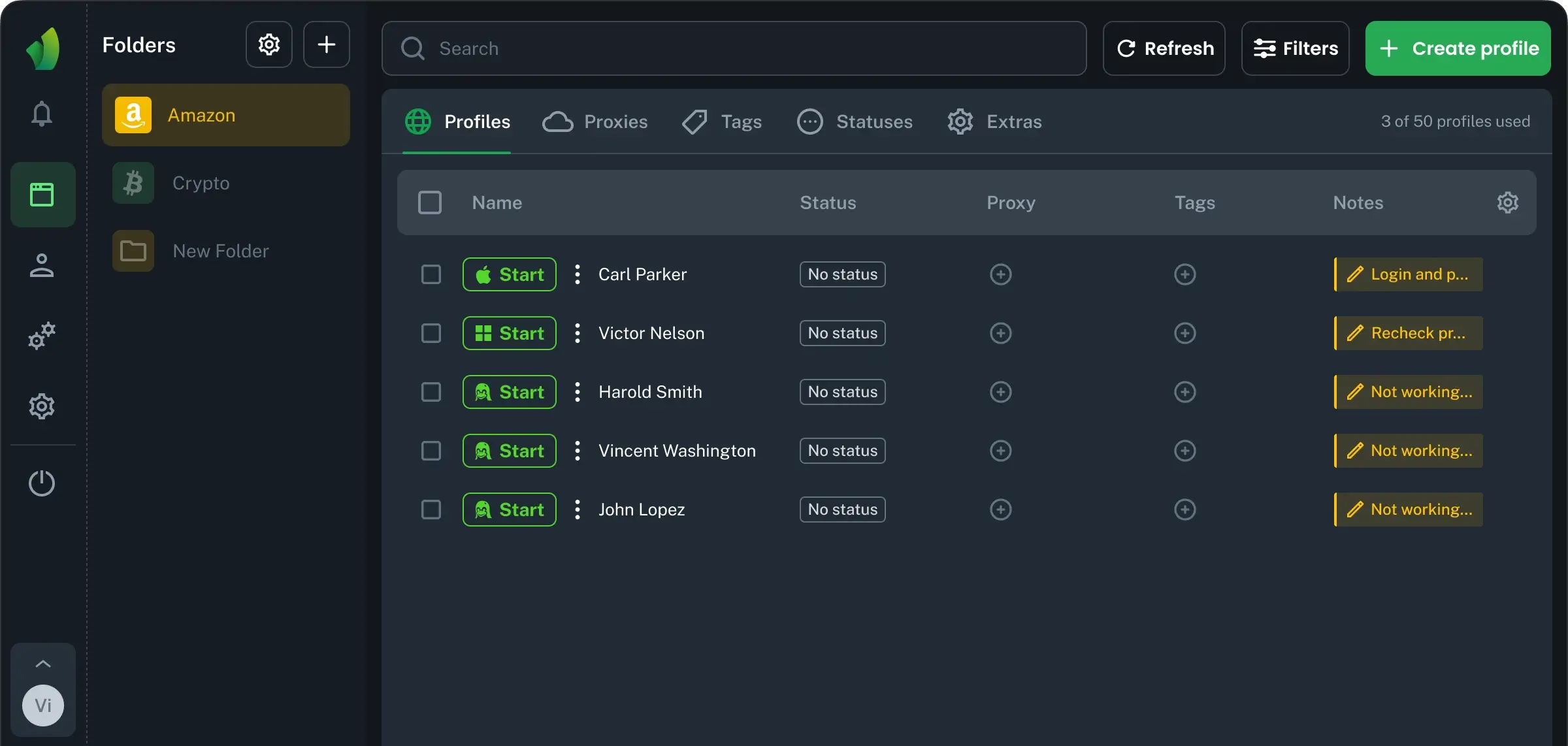
Manage multiple Discord accounts from one window

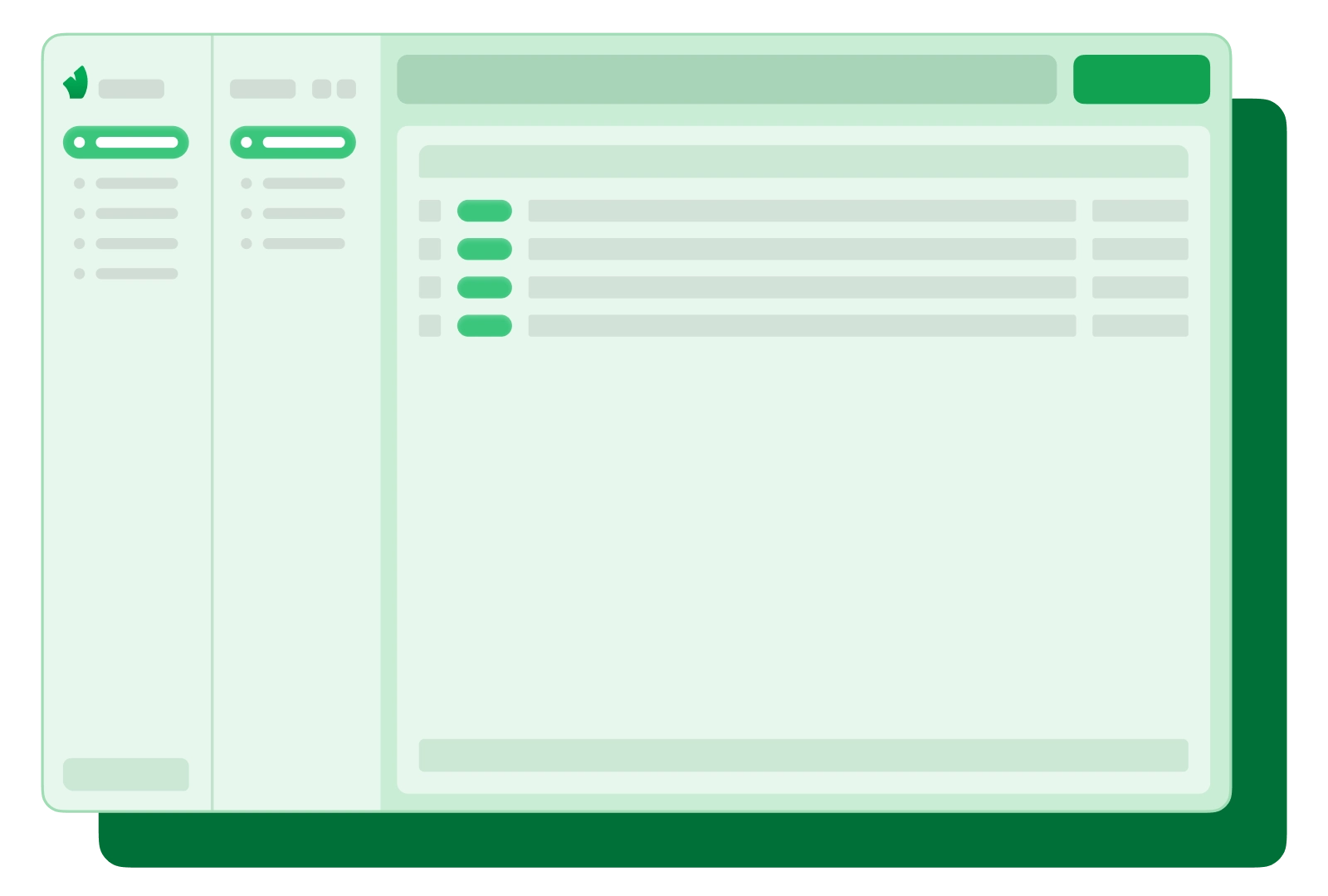
Create and manage hundreds of browser profiles with Discord accounts from a single application window. The intuitive, easy-to-use, and fast interface will speed up your work tenfold.

Manage multiple Discord accounts from one window

Avoid Discord account bans with real fingerprints

Each browser profile has its own fingerprint with over 100 substitutable parameters and is completely isolated from other Discord accounts. Get rid of bans, blocks, and restrictions for good.

Avoid Discord account bans with real fingerprints

Access Discord accounts password-free from any device

Access your Discord accounts from anywhere in the world without additional data. All your Discord account data is securely protected and stored in encrypted form on secure servers.

Access Discord accounts password-free from any device

Open multiple Discord profiles with one click

Don't waste time on routine tasks with Discord accounts: launch, manage, delete accounts, and transfer them to your team members with a single click.

Open multiple Discord profiles with one click

Connect your team to work with Discord accounts

Work with Discord accounts as a team: finely tune account access rights, organize profiles into folders, and organize your work with the flexible Vision Browser team mode.

Connect your team to work with Discord accounts

Unique technologies for creating multiple Discord accounts

Vision FB+

Downloading creatives and copying tokens,all within the profile without extensions

2FA generation within the profile

Save and enter 2FA codes in just a few clicks

Vision Autofill

Automatic filling of fieldswith data from notes

Webcam spoofing

Use webcam spoofingto pass video checks

Data caching

Save up to 80% of proxy trafficby enabling the caching function

High-quality substitutions

We substitute 1000+ browser parameters,some of them dynamically

Teamwork

Create dozens of teams, configure permissions,and switch between them in 1 click

Human Type

Emulation of manualtext input

Fast tech support

Response within 1 minute, quickresolution of emerging issues

Instant profiles

Fast profiles without synchronizationand data saving

NEW

Mobile Android fingerprints

Create profiles with mobile fingerprintscollected from real devices running Android

Synchronizer

Perform the same actionssimultaneously across multiple profiles

User contact

Feedback is collected, analyzed, andadded to the backlog for functionality implementation

Try it for free

Try every feature with a free 4-day trial.

See what a professional solution can do.

Application

How to get started

Install & start

Download the software and easily install it on your device

Install & start

Login or register

Create an account or log in to start managing secure browser profiles — everything you need for convenient and protected browsing.

Login or register

Create profile

Adjust your fingerprint or add a proxy if needed. Enjoy full control and maximum flexibility for any task.

Create profile

Start browsing

Experience stable performance, convenient features, and protection across all your devices.

Start browsing

Multiple Discord accounts when one account is not enough

Discord can bring personal chats, client projects, and community work into the same workspace. That is convenient until you need to keep those activities separate under different identities. A dedicated account for each role makes it easier to maintain boundaries and avoid sending a work message from a personal profile.

Separate accounts can be useful when you need to:

  • Keep work and personal life separate. Use a professional identity for colleagues and clients, and keep chats with friends on your personal account.

  • Manage communities for different projects. Maintain a recognizable presence in each community and keep project-related conversations apart.

  • Handle client work at an agency. Use distinct client-facing identities to reduce the risk of posting updates or replying under the wrong name.

  • Separate support from internal discussions. Answer customer questions from a dedicated support account and use another one for team communication.

  • Test a server or bot experience. Check onboarding, channel visibility, and bot interactions from the perspective of a regular member.

  • Verify server permissions. Use a standard member account to confirm access restrictions without changing the roles of your admin account.

Multiple Discord accounts and common challenges

The built-in account switcher in the desktop app supports up to five accounts. It saves you from logging out and entering your credentials every time, but only one account is active in the app interface at a time. You still have to switch to another identity to see its conversations and reply. That works for occasional use, but becomes less practical when several projects need attention throughout the day.

The web version offers other options, each with its own limitations.

  • Separate browsers let you open different accounts side by side. This is manageable in a small setup, but maintaining a growing number of browsers makes daily work harder.

  • Standard browser profiles keep sessions separate and preserve logins between visits. They allow parallel access, although you still need clear names to tell personal, client, and community identities apart.

  • Incognito windows provide a temporary session separate from regular browsing. However, incognito windows in the same browser usually share the same private session, so opening another window does not create an independent login. Closing all private windows also means you will have to sign in again later.

Opening extra tabs in the same browser profile does not solve the problem either, because those tabs share the same Discord session.

Managing multiple Discord accounts beyond the app

An antidetect browser like Vision helps organize multiple Discord accounts through separate browser profiles. Each profile keeps its own Discord session and browser fingerprint, so you can work with several web accounts in parallel without constantly logging out.

The benefits of this setup include:

  • Separation between work, personal, client, and community accounts

  • Faster access to several Discord workspaces at the same time

  • Clear profile names and tags for easier navigation

  • Notes with account-specific instructions and project details

  • Team access controls for shared client or support workflows

  • Lower risk of sending a message from the wrong account

This approach is useful for structured daily work with legitimate Discord accounts. It does not replace account security measures or exempt users from following the rules of Discord and each server.

How to run multiple Discord accounts

Vision lets you organize each Discord identity in a separate browser profile. This keeps every account in its own workspace with an isolated Discord session and browser fingerprint, making personal, client, support, and community activity easier to manage.

  1. 1.Create a folder for a project, department, or group of accounts. Folders help keep related profiles together.
  2. 2.Create a browser profile for each Discord account. Give every profile a clear name.
  3. 3.Use a stable proxy for the same account instead of changing its location between sessions. Proxies are added at the folder level.
  4. 4.Configure the browser fingerprint when creating the profile.
  5. 5.Save and launch the profile. Open Discord Web and sign in to the account assigned to that profile. Use the same profile in future sessions to keep the workspace organized.
  6. 6.Repeat the process for other accounts. You can launch the profiles you need in parallel and keep several Discord workspaces open at the same time.

Rules and security for multiple Discord accounts

Protect each account with a strong, unique password and enable two-factor authentication. Store backup codes in a secure password manager so you can recover access if a device is lost or an authenticator app is unavailable.

In shared workflows, limit access to the people who actually need it and review permissions regularly. Vision supports team-based workspaces and profile organization, which can help teams keep client and project accounts structured.

Multiple Discord accounts should always be used in line with the rules of Discord and each server. An antidetect browser helps organize legitimate accounts and sessions, but it does not remove the need to meet platform requirements, respect community policies, and protect account credentials.

FAQ

Can't find the answer you're looking for? Please chat to our friendly team.

Browser.vision © 2026