


Download Antidetect Browser for Windows
Enhance your browsing experience with the best anti-detect browser available.
Manage multiple accounts, protect yourself from detection and customize profiles to your needs.
Select your platform

Windows
- Windows 10 or later or Windows Server 2016 or later
- An Intel Pentium 4 processor or later that's SSE3 capable

Mac
- MacOS Monterey 12.0 or later
- MacBook, iMac, Mac Mini or Mac Pro with Intel or Apple Silicon

Let’s get you ready
Learn more about system requirements and browser installation in our documentation
How to get started
Install & start
Download the software and easily install it on your device
Login or register
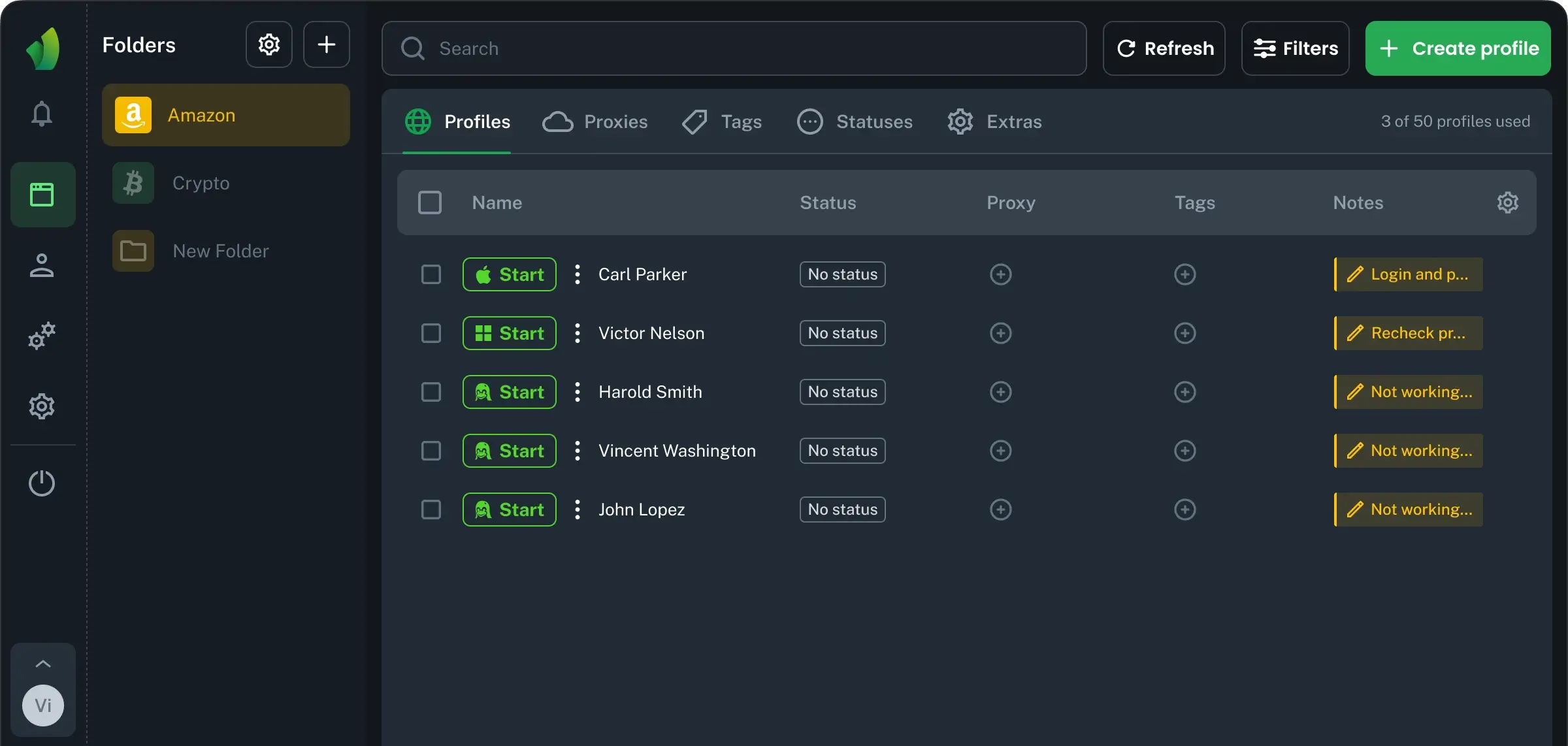
Create an account or log in to start managing secure browser profiles — everything you need for convenient and protected browsing.

Create profile
Adjust your fingerprint or add a proxy if needed. Enjoy full control and maximum flexibility for any task.

Start browsing
Experience stable performance, convenient features, and protection across all your devices.

Try it for free
Try every feature with a free 4-day trial.
Download the antidetect browser and discover the power of a professional solution.
Browser.vision © 2026