

Enhance your browsing experience with the best anti-detect browser available.
Manage multiple accounts, protect yourself from detection and customize profiles to your needs.

Windows 10 or later or Windows Server 2016 or later
An Intel Pentium 4 processor or later that's SSE3 capable

MacOS Monterey 12.0 or later
MacBook, iMac, Mac Mini or Mac Pro with Intel or Apple Silicon

Learn more about system requirements and browser installation in our documentation
Download the software and easily install it on your device
Create an account or log in to start managing secure browser profiles — everything you need for convenient and protected browsing.
Adjust your fingerprint or add a proxy if needed. Enjoy full control and maximum flexibility for any task.
Experience stable performance, convenient features, and protection across all your devices.
Try every feature with a free 4-day trial.
Download the antidetect browser and discover the power of a professional solution.
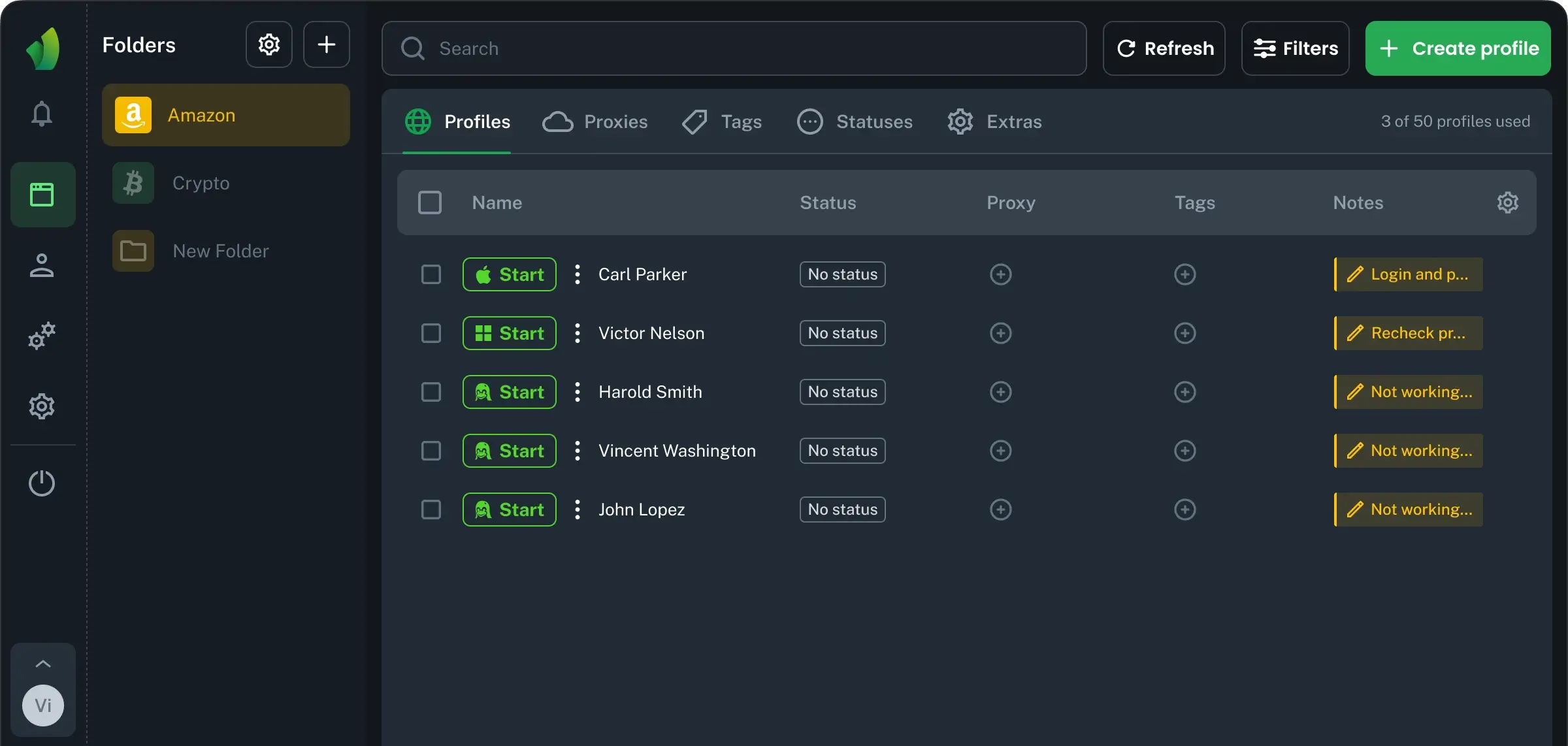
Antidetect browsers for Linux are a top choice for professionals who value privacy, flexibility, and control. Compared to regular browsers, they make it simple to manage multiple accounts on the same platform. For arbitrage, webmasters, and those working with e-commerce or CPA, keeping digital identities separate is key.
Linux users often need rock-solid tools that handle work tasks with no drama. Antidetect browsers on this OS help avoid tracking, bypass restrictions, and stay stable even with heavy usage. Many choose this setup when running account farming, scaling ad campaigns, or handling client projects in bulk.
Unlike regular browsers, antidetect options are built for speed, security, and smooth teamwork. Perfect for those who need to stay undetected and work efficiently.
Installation problems with Vision are very rare, but a few quick checks can save time and help finish the setup smoothly. This section covers simple, practical steps for common situations. No need to stress—most issues are fixed fast with these tips.
If none of these steps help, check the Vision documentation or contact support. The team always helps solve installation issues fast.
Vision is a fully secure and truly antidetect browser, built to keep your data private and unique. We prioritize user safety and advanced fingerprint substitution for peace of mind. While Vision helps you stay protected and undetectable online, we recommend using the browser responsibly and staying aware of local laws and rules in your region. Regularly checking for updates helps you benefit from the latest features and top security for your daily work.